
Introduction
Is your TV remote suddenly unresponsive? A malfunctioning remote can be frustrating, disrupting your enjoyment of movies and shows. Identifying and fixing the problem can often be straightforward and save you from unnecessary hassle. This comprehensive guide covers everything from quick checks to more technical troubleshooting, ensuring you can tackle the most common remote issues effectively.
Identifying Common Remote Issues
Before you jump into complex solutions, it is crucial to identify the root cause of the problem. Many times, the issues are minor and easily identifiable.
-
Checking the Battery Life: Start with the basics; verify if the batteries are depleted. Swap in new batteries and check the orientation.
-
Ensuring Clear Line-of-Sight: Ensure there is no obstruction in the infrared path. Objects blocking the remote’s path may cause it to stop functioning.
-
Inspecting the Remote for Physical Damage: Examine the remote for any visible damage. A fall or excessive exposure to moisture can cause internal issues.
Once you have conducted these checks, the next logical step is to proceed with solutions tailored to the diagnosed problem.
Simple Fixes for Remote Problems
Many remote control issues can be fixed easily with a few steps. Below are some simple solutions you can try on your own:
-
Replacing or Recharging Batteries: Always confirm that batteries are fresh and properly aligned. This crucial step can rectify various problems.
-
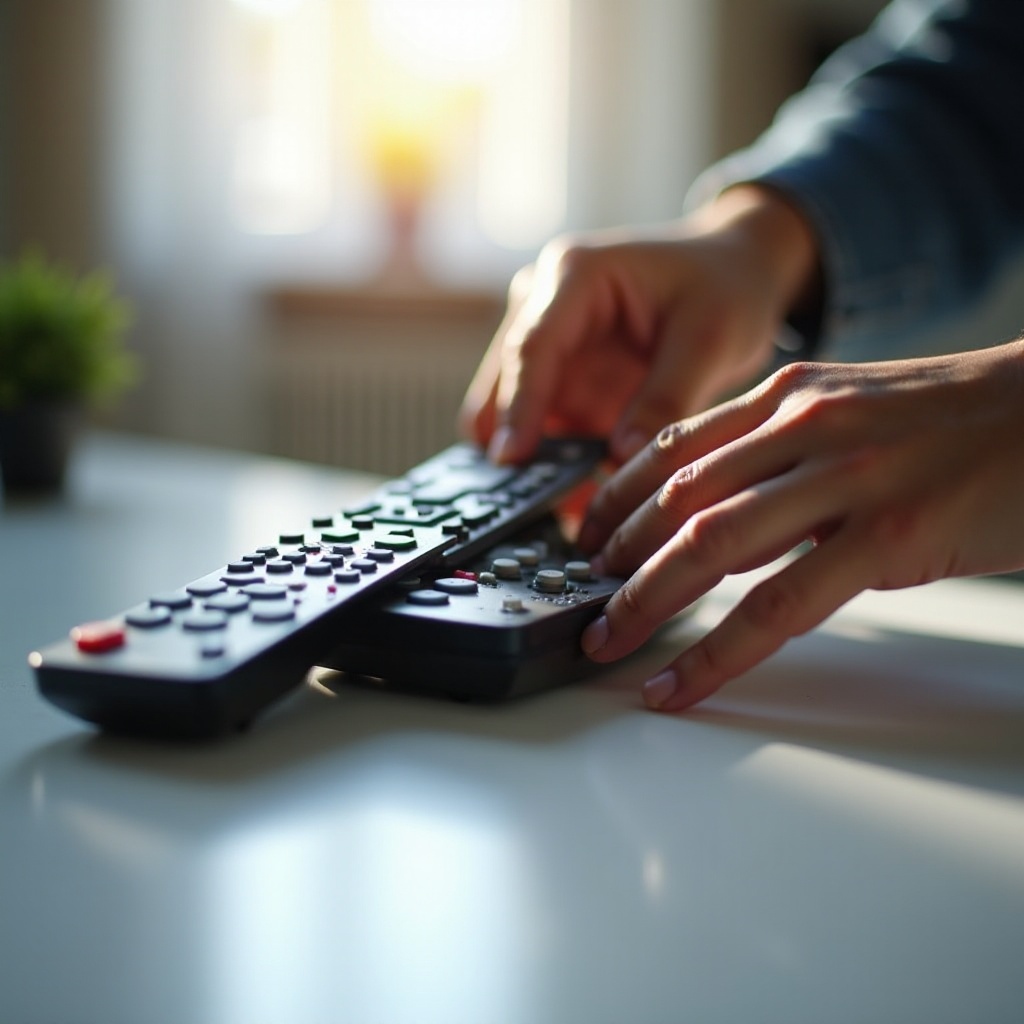
Cleaning the Remote and TV Sensor: Dirt and grime buildup on sensors can impede signals. Use a gentle cloth to wipe both the remote’s and the TV’s sensor areas.
-
Resetting the Remote Control: Remove the batteries, press all buttons, and then reinsert the batteries. This can reset any temporary error within the remote.
Should these measures prove ineffective, consider trying some intermediate fixes for more persistent problems.
Intermediate Troubleshooting Tips
Sometimes, the problem might not be resolved with basic fixes. In such cases, a bit more technical intervention may be required:
-
Using a Universal Remote as a Backup: Programming a universal remote for your TV can serve as a temporary fix, providing a means to confirm whether the issue lies within the original remote.
-
Re-Pairing the Remote with the TV: For smart TVs, sometimes the link between the remote and the TV needs resetting. Follow manufacturer instructions to re-pair the remote.
-
Checking for Interference from Other Devices: Devices like routers and microwaves may interfere with remote signals. Relocate either the TV or these devices to see if the interference ceases.
Once these intermediate tips have been tried and tested, and the issue persists, exploring more advanced solutions may be necessary.
Advanced Solutions for Persistent Issues
If the earlier steps don’t resolve the problem, it might require a deeper dive with advanced troubleshooting:
-
Updating TV and Remote Firmware: Manufacturers occasionally release firmware updates that enhance device performance and compatibility. Check online resources or manuals for updates.
-
Examining Internal Remote Components: If you’re comfortable with electronics, opening the remote to inspect the circuitry and connections for faults could provide insights.
-
Consulting the User Manual for Device-Specific Guidance: Different models have specific troubleshooting steps. Refer to your TV and remote user manuals for precise solutions.
If these advanced steps seem daunting, or the remote remains unresponsive, it might be time to seek professional support.
When to Consider Professional Help
When none of the above solutions work, or the remote shows signs of irreversible damage such as persistent unresponsiveness despite following all previous steps, consulting a professional or contacting customer support may be necessary. They can offer in-depth repairs beyond regular troubleshooting.
Conclusion
TV remote issues are often simple to diagnose and fix if approached methodically. By addressing the problem in stages, from battery replacement to checking for signal interference, many users find that they can manage these issues at home. Explore each method thoroughly and contact professionals only when necessary, maximizing your chances of finding an effective solution.
Frequently Asked Questions
What should I do if my remote still doesn’t work after changing the batteries?
Check for any physical obstruction or damage, and try re-pairing the remote with your TV.
Can I use a smartphone to control my TV if the remote is broken?
Yes, many TVs have apps available for smartphones that can function as remote controls.
How can I prevent my remote from malfunctioning in the future?
Regular cleaning, proper storage away from moisture, and handling with care can greatly extend the life of your remote.