
Introduction
Sanyo TVs are loved for their reliability and quality, but like any tech device, they can face occasional issues. Whether you’re dealing with a visual glitch or a sound hiccup, troubleshooting your TV can greatly enhance your viewing experience. This comprehensive guide aims to equip you with the solutions needed to address and fix common Sanyo TV problems, ensuring you maximize the enjoyment and longevity of your television.
Basic Sanyo TV Troubleshooting Steps
When you first notice something amiss, begin with the basics. Addressing simple issues early can prevent more complicated problems down the line. – Checking Power Supply and Connections: Make sure your TV is plugged into a fully functioning outlet. Inspect the power cables for any wear and ensure they’re securely connected. – Verifying Remote Control Functionality: If your remote isn’t responding, start by replacing the batteries. Test its functionality by pointing it directly at the TV’s sensor. These fundamental checks pave the way for diagnosing and tackling more intricate issues, should they arise.
Resolving Picture and Display Issues
Picture quality plays a crucial role in your TV experience. If the display looks off, it could greatly affect how enjoyable the viewing is. – Fixing No Picture or Distorted Display: Check all cable connections, particularly HDMI, to ensure they’re correctly assembled. Use the ‘Source’ button on your remote to verify the correct input is selected. – Adjusting Picture Settings for Optimal Clarity: Dive into the menu settings to fine-tune sharpness, contrast, and brightness. If adjustments are overwhelming, a factory reset can help revert to default settings. Resolving display issues ensures you enjoy the vivid colors and crisp images your Sanyo TV is designed to deliver. If issues persist, further investigation into hardware or software might be necessary.
Audio Problem Solutions
Audio clarity is just as important as visual quality. Addressing sound problems promptly can restore harmony to your viewing experience. – Solving No Sound or Audio Dropouts: Ensure the TV volume is not set to mute and that any external speakers are correctly connected. Investigate audio settings for proper output options. – Configuring Sound Settings and External Speakers: Access the sound menu to adjust the audio balance, bass, and treble. Make sure any connected external speakers are compatible and correctly configured. With sound glitches resolved, you can fully immerse yourself in the auditory richness of your favorite shows and movies.
Connectivity and Remote Control Issues
For seamless access to your TV’s features, especially on smart models, connectivity and remote functionality are essential. – Addressing Remote Control Malfunctions: Clean the remote sensor on your TV with a soft cloth. If it remains unresponsive, consider a remote replacement. – Ensuring Stable Internet and Device Connections: Confirm a reliable Wi-Fi connection for smart TVs by restarting your router and testing connectivity with other devices. Ensure all connected devices like DVD players and gaming consoles are in good working order. Reliable connections and a responsive remote are key to enjoying a wide range of content without interruptions.
Advanced Troubleshooting Techniques for Sanyo TVs
When conventional solutions fall short, delving into advanced methods can help resolve persistent issues and enhance your TV’s functionality. – Handling Input/Output Port Challenges: Inspect HDMI and USB ports for any physical damage or debris. Testing with different ports or cables can verify their functionality. – Updating and Reinstalling TV Software: In your TV’s settings, look for any system updates. Following the manufacturer’s instructions ensures your operating system runs without a glitch. These advanced strategies tackle stubborn technical problems and contribute to a smooth and enriched TV experience.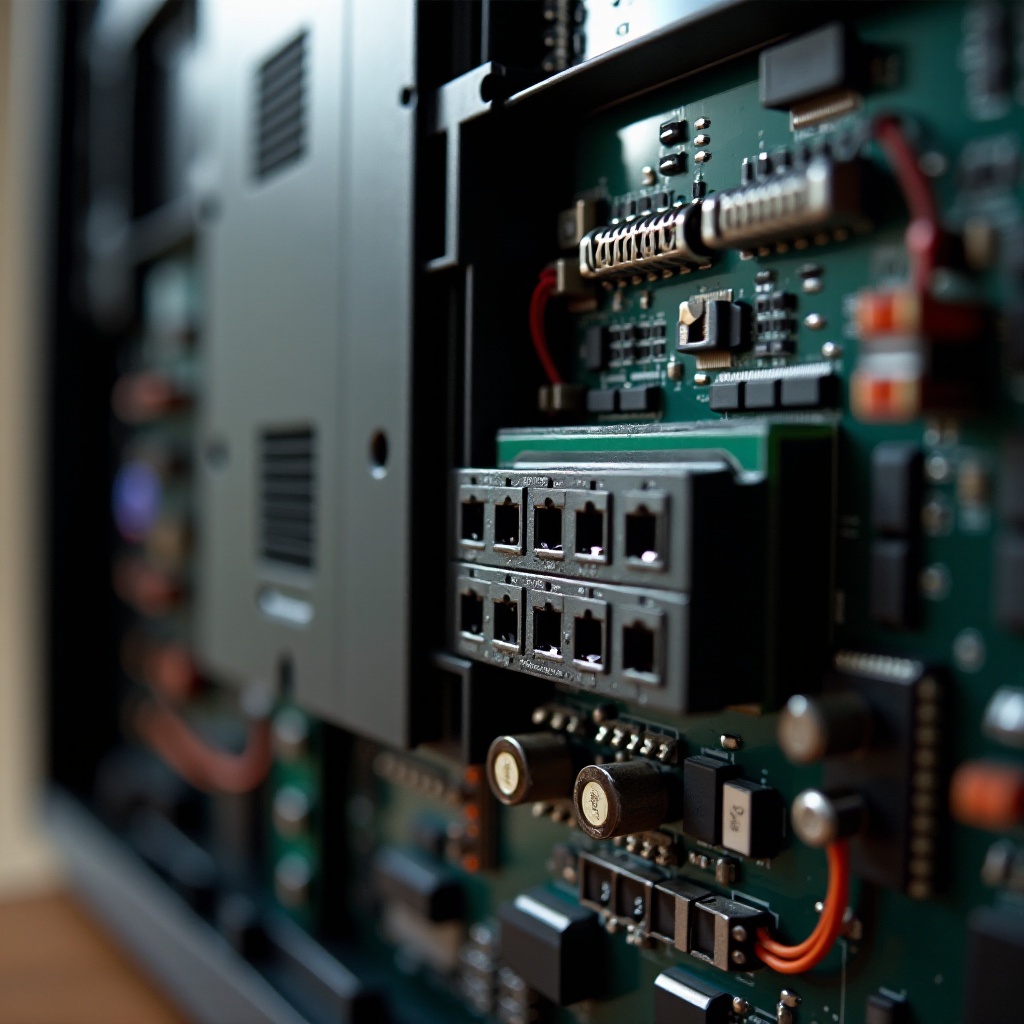
Repair or Replace? Making the Right Decision
After exhausting troubleshooting options, you might face the tough choice of repair or replacement. Here are steps to guide you through this decision: – Assessing the Cost-Effectiveness of Repairs: Compare repair costs against the price of a new TV. Sometimes investing in the latest model yields greater long-term benefits. – Finding Reliable Repair Services: Search for service providers experienced with Sanyo TVs. Check their customer reviews and ratings to ensure they offer quality repair services. Determining whether to repair or replace ensures you make a decision that balances cost with the enjoyment and reliability of your TV.
Conclusion
Troubleshooting a Sanyo TV requires a blend of patience and a structured approach. By following these guidelines, you are equipped to identify and solve most common issues effectively. Proper care and knowledge ensure you enjoy a seamless entertainment experience while maximizing the lifespan of your television.
Frequently Asked Questions
How do I reset my Sanyo TV to factory settings?
Navigate to ‘Menu’ > ‘Settings’ > ‘System’ > ‘Reset’ or ‘Reset to Factory Default’. Follow the prompts to complete the reset.
What should I do if my Sanyo TV screen is flickering?
Check cable connections and ensure the TV is set to the correct input. Adjust the picture settings as needed or try updating the software.
Can a software update resolve most Sanyo TV issues?
Yes, keeping your TV’s software up to date can resolve many software-related bugs and interoperability issues.