
Introduction
The Bose SoundLink Color 2 is a popular choice for its impressive sound in a portable design. However, owners sometimes face the problem of the speaker not turning on. This guide provides a comprehensive walkthrough of troubleshooting steps, from simple initial checks to advanced solutions. By carefully following these instructions, you can easily diagnose and resolve the issue, ensuring your speaker functions optimally without delay.
Initial Checks
Before exploring complex solutions, it’s important to start with some fundamental checks to rule out simple, fixable problems.
- Check Battery Level and Power Connection:
- Confirm that the speaker is charged. Connect it to a power source and check for any indicator lights signifying charging.
-
Ensure the power outlet is working and the charging cable is not frayed or damaged.
-
Ensure Power Button Functionality:
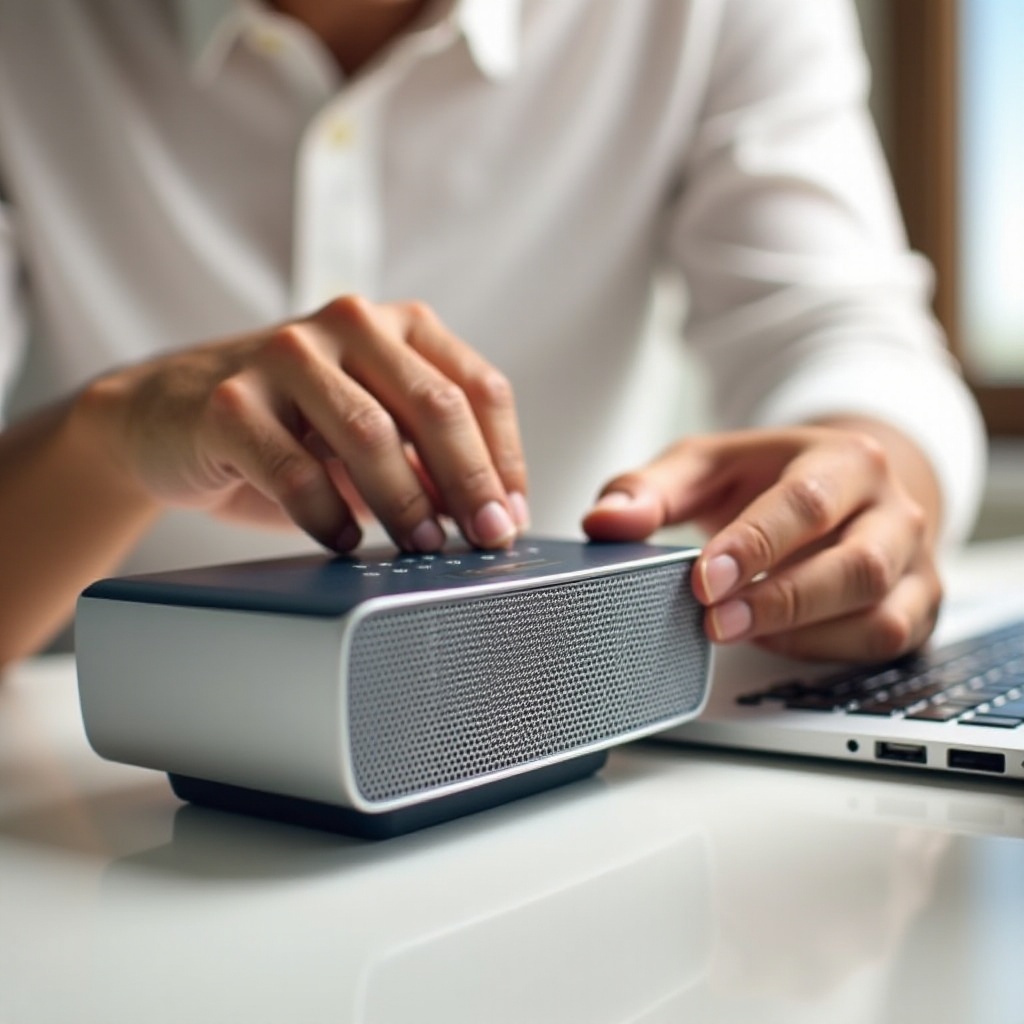
- Press and hold the power button for several seconds to see if the speaker responds.
- Clean around the button gently to remove any debris possibly obstructing it.
Addressing these essential aspects first can save time and effort by eliminating minor issues, reserving further troubleshooting for unresolved cases. Should basic checks prove ineffective, it’s time for more detailed strategies.
Advanced Troubleshooting Steps
If the speaker remains unresponsive, these advanced methods may help pinpoint and rectify the issue effectively.
- Perform a Soft Reset:
-
Hold down the power button for around 10 seconds. Release it when the speaker restarts, which can resolve minor firmware glitches.
-
Firmware Update Process:
-
Connect your speaker via USB to a computer and access the Bose software update website. Follow the on-screen instructions to ensure your speaker is running the latest firmware. Updating can fix known issues and enhance performance.
-
Using Alternative Charging Cable or Port:
- Test your speaker with another charging cable or port to rule out faults with your current set-up. A defective cable or port can prevent your speaker from charging and powering on.
Following these steps, if your speaker is still not turning on, it’s possible that a hardware issue is present, necessitating further investigation.
Diagnosing Hardware Issues
Once software solutions prove ineffective, focus on potential hardware malfunctions which might be causing the power issues.
- Inspect for Physical Damage:
-
Look over the speaker for any visible damage, such as cracks or dents, which could affect internal components critical for operation.
-
Assessing Battery Health:
-
A degraded battery could be the issue, especially if the speaker works only when plugged in. In such cases, battery replacement may be needed.
-
Internal Connection Check:
- For those familiar with hardware, consider opening up the speaker to inspect internal connections. Loose wires or components can prevent the speaker from switching on.
If these efforts don’t uncover or resolve the issue, it might be time to engage Bose support services for further help.
Contacting Bose Support
For issues that persist despite thorough troubleshooting, seeking professional assistance from Bose support may be necessary.
- When to Seek Professional Help:
-
Contact Bose support if your speaker still refuses to power on after all attempted troubleshooting efforts, as more serious repairs may be required.
-
Preparing for Customer Service Interaction:
- Gather all relevant information such as your purchase receipt, warranty details, and a concise description of the problem. This information can streamline the support process and assist the technician in finding a solution quickly.
Reaching out for professional support promptly ensures that any underlying issues are addressed by experts equipped with the necessary tools and expertise to handle complex repairs.
Preventative Maintenance Tips
To avoid future problems and extend the life of your Bose SoundLink Color 2, follow these maintenance tips.
- Regular Charging Practices:
-
Consider recharging before the battery drains completely. This practice supports battery longevity and consistent performance.
-
Environment and Storage Considerations:
- Store your speaker in a cool, dry place and avoid exposing it to extreme temperatures, which could affect internal components and overall functioning.
Consistent maintenance safeguards your investment, ensuring your speaker continues to offer exceptional sound quality for many years.
Conclusion
By systematically following these troubleshooting and maintenance steps, you minimize the risk of prolonged downtime due to power issues. Keeping your Bose SoundLink Color 2 in good working order enhances your listening experience and ensures reliability.
Frequently Asked Questions
How often should I update the firmware on my Bose SoundLink Color 2?
Regularly check for updates every few months to ensure your speaker operates with the latest software enhancements.
What should I do if my speaker still won’t turn on after all troubleshooting steps?
Contact Bose Support for a professional evaluation and potential repair or replacement options.
Can I replace the battery of my Bose SoundLink Color 2 myself?
While possible for those with technical skills, it’s advisable to have a professional replace the battery to avoid possible damage.