
Introduction
The HDMI port on your Xbox One is crucial for delivering HD video and sound to your display. When it malfunctions, your gaming experience is compromised. Whether you’re facing a display that won’t connect or erratic video issues, understanding the symptoms and solutions is essential. This guide will help you diagnose the problem, offer DIY fixes, and explore professional repair options while providing preventive measures to avoid future problems.
Symptoms of a Broken HDMI Port
Identifying a broken HDMI port can save you time and effort. Look for these common symptoms:
– 1. No signal on TV: Your TV displays a ‘No Signal’ message even when the Xbox One is powered on.
– 2. Flickering or inconsistent display: The screen occasionally blacks out or flickers during use.
– 3. Distorted audio or video: The sound may crackle and the video might appear fuzzy.
Recognizing these issues is the first step in troubleshooting and resolving HDMI port problems.
Diagnosing the Problem
Before jumping to conclusions, give your Xbox One and its connections a thorough check to accurately diagnose the port issue.
– 1. Check HDMI cable and connection: Ensure that the HDMI cable is firmly plugged into both the Xbox One and the TV. Swap out the cable for a different one to rule out cable problems.
– 2. Test with different televisions: Hook your Xbox One up to another TV to see if the problem persists, helping to isolate whether the issue is with the TV or the console.
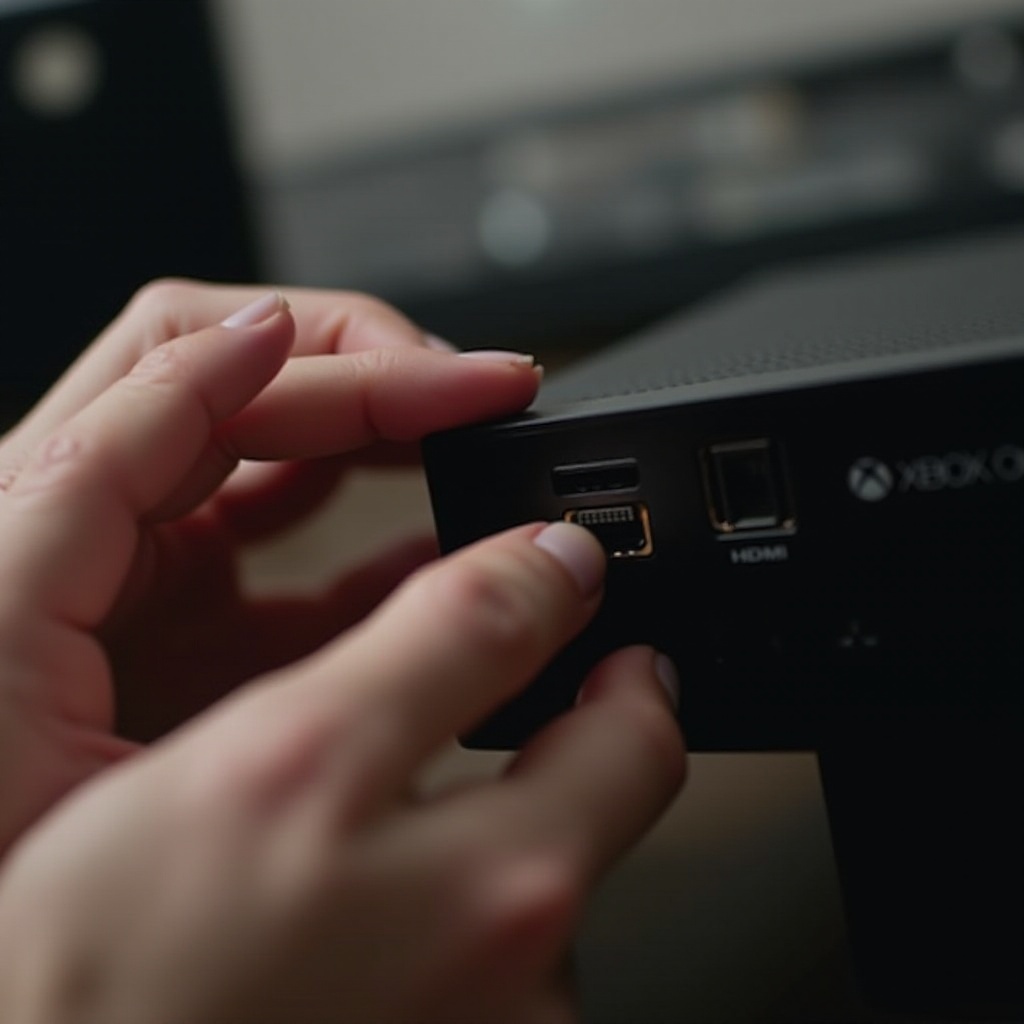
– 3. Inspect the HDMI port for physical damage: Look for any visible damage in the HDMI port, such as bent pins, which could indicate a faulty port.
Completing these steps will help identify if the HDMI port is indeed the root of the issue.
DIY Fixes for Minor HDMI Port Issues
Sometimes, simple solutions can resolve minor HDMI port issues without professional help.
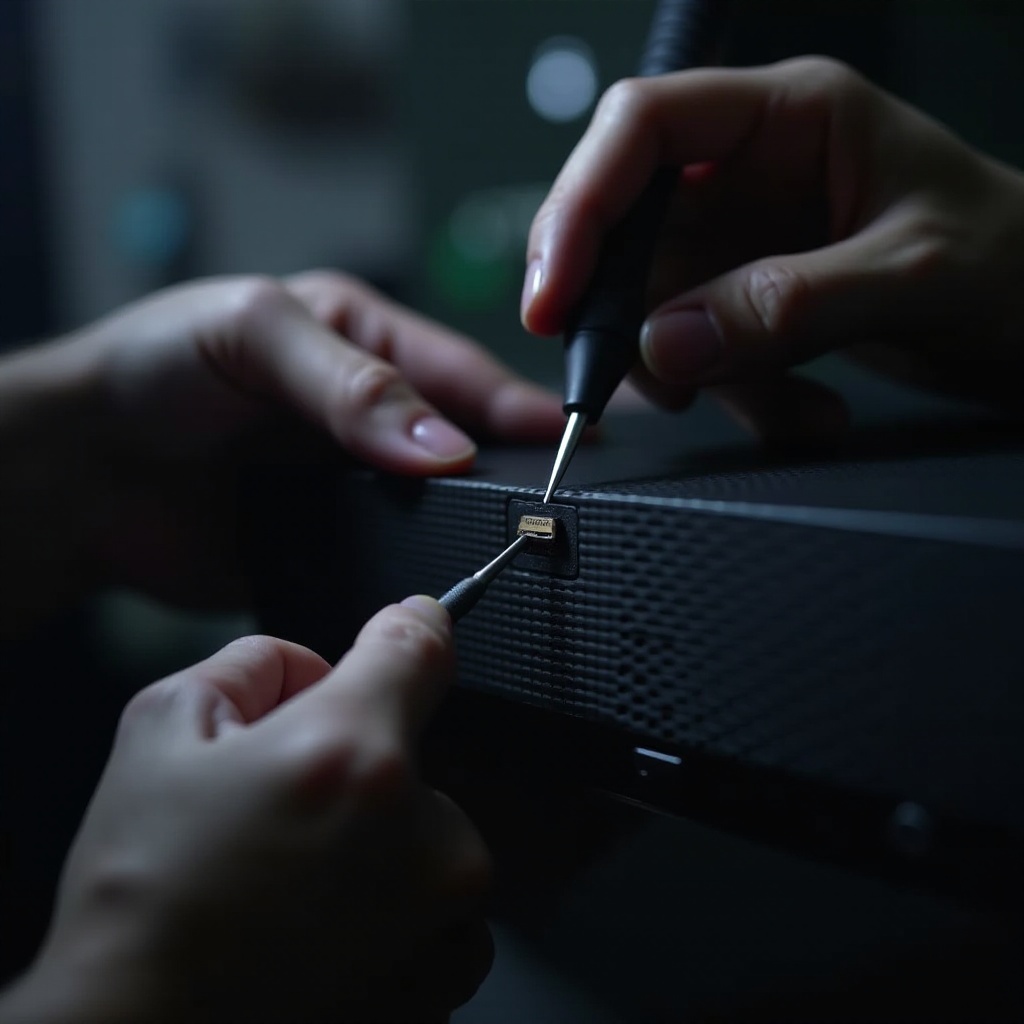
– 1. Realigning or cleaning the HDMI port: Use compressed air to remove dust from the port. If visible, gently adjust any bent pins with a small tool.
– 2. Utilizing HDMI adapters: When the port shows wear but still functions, use HDMI adapters or right-angle connectors to lessen the stress on it.
– 3. Alternative connection methods: Use component cables or stream your Xbox to a compatible device until a permanent fix is available.
These quick fixes can restore your Xbox One’s functionality, saving you time and money.
Professional Repair Options
If troubleshooting the HDMI port yourself proves ineffective, it may be time to seek expert assistance.
– 1. Cost of professional repairs: Expect to pay between $50 and $150 for a repair, depending on the service provider and damage severity.
– 2. Evaluating repair vs. replacement: Weighing the cost of repair against buying a new console is crucial, especially if the Xbox is aging or has other issues.
Professional repair ensures that experts correctly address the problem, potentially extending the life of your Xbox One.
Preventive Measures for Future HDMI Port Problems
Ensuring the longevity of your HDMI port involves adopting preventive measures.
– 1. Handle HDMI cables with care: Avoid pulling or bending cables forcefully. Disconnect by holding the connector, not the wire.
– 2. Invest in quality cables and connectors: Opt for high-quality, corrosion-resistant cables that provide a better connection and reduce port strain.
These steps not only protect your HDMI port but also keep your gaming experience uninterrupted.
Alternative Solutions for a Broken HDMI Port
If a hardware fix isn’t immediately possible, consider these alternatives to keep gaming.
– 1. Streaming Xbox One to other devices: Utilize the Xbox app for PC or other compatible devices to stream games wirelessly.
– 2. Using digital AV adapters: Explore AV adapters compatible with your display, providing a temporary workaround.
These solutions can sustain your gaming sessions without relying solely on the HDMI port.
Conclusion
Identifying and addressing a broken HDMI port will dramatically enhance your Xbox One gaming experience. Whether you choose to tackle it with DIY methods or seek professional assistance, addressing the issue promptly minimizes disruption. Emphasizing preventive measures ensures you avoid similar problems in the future, and considering alternative connection options keeps your console functional during repairs.
Frequently Asked Questions
Can a broken HDMI port on an Xbox One be repaired at home?
Minor issues like cleaning or adjusting pins may be done at home, but significant damage typically requires professional repair.
How much does it typically cost to fix an HDMI port on an Xbox One?
Repair costs usually range from $50 to $150, depending on the extent of damage and the service provider.
What are the alternatives to HDMI for connecting an Xbox One to a display?
Alternatives include using component cables or streaming the Xbox One to a compatible device through the Xbox app.